5 Local SEO Tips to Rank #1 on Google Maps ($5,729 Value)
Generate SEO articles on autopilot
Infin8Content writes, publishes, and ranks content for you — automatically.
$1 Trial →In this article
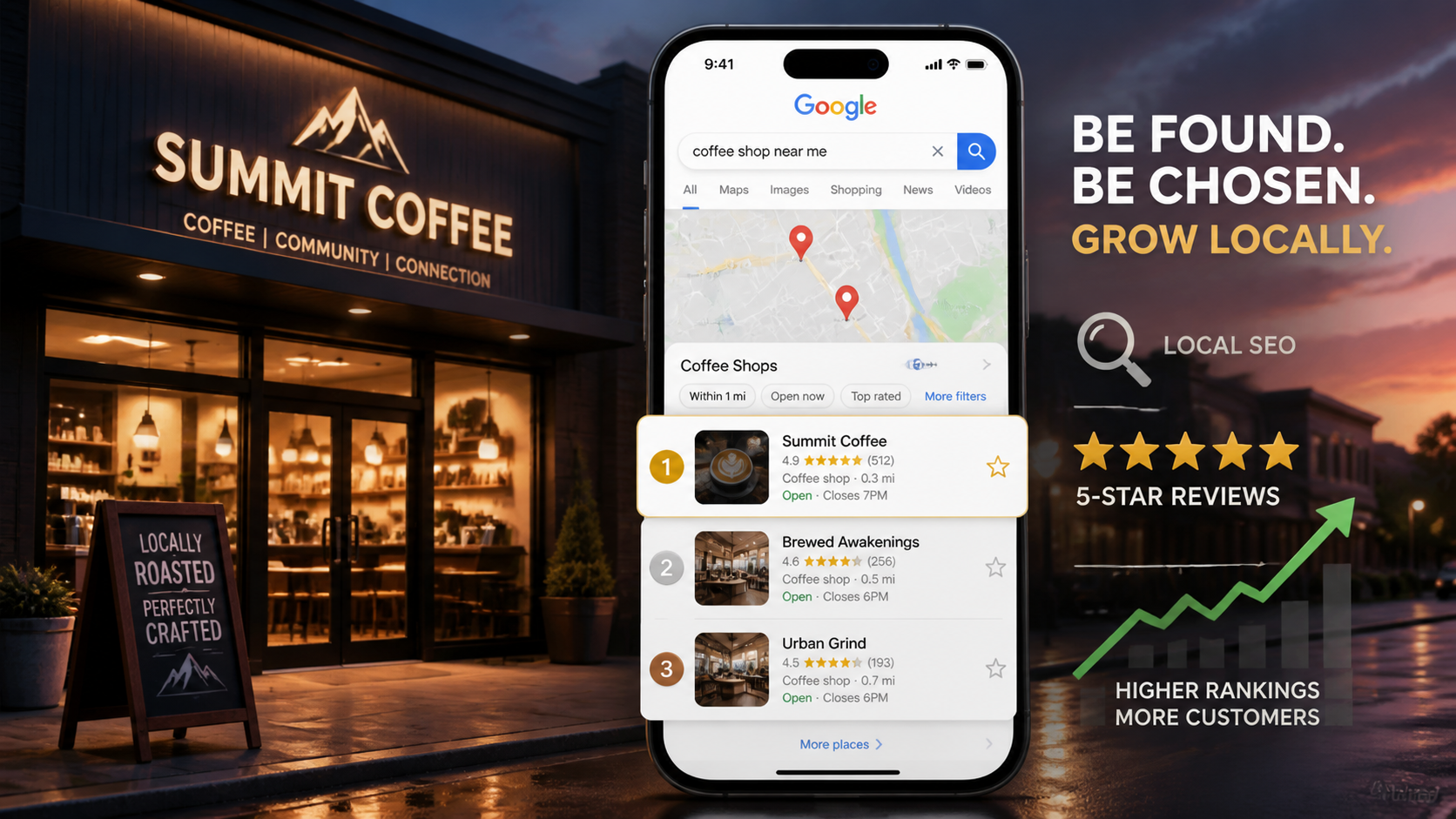
If you run a local business – or you're an SEO agency managing local clients – ranking in the Google Maps local pack is one of the highest-ROI things you can do. Top-three placement on Google Maps drives calls, bookings, and walk-ins directly.
These aren't generic local SEO tips pulled from a blog post somewhere. These are the exact moves used with local SEO clients – the same strategies worth thousands in consulting value – condensed into five practical tips you can implement this week.
Tip 1: Analyze Who's Already Ranking (And Why)
Before you change a single thing on your Google Business Profile, open Google and search your target keyword. Then look at the top three results in the local map pack. Skip the sponsored listings – those are paying for placement.
Here's the mindset shift: Google is telling you what it wants. These businesses didn't rank by accident. They're doing something better than everyone else, and your job is to reverse-engineer what that is.
What to look for in the top rankers
- Do they have the keyword in their business name?
- How many reviews do they have, and how recent are they?
- Are they responding to reviews?
- When was their last photo uploaded?
- Are they posting updates to their Google Business Profile?
- Is their website fast and well-structured?
Tip 2: Get Keywords Into Your Business Name (Carefully)
Look at the top-ranking Google Maps results for almost any competitive local keyword and you'll notice a pattern: the winners often have the target keyword in their business name.
How to apply this without breaking rules
- Use a "doing business as" (DBA) name that includes your primary keyword.
- Add a location or service descriptor if it's part of how you legally operate.
- Keep your Google Business Profile name aligned with your real business name – fake stuffing can get you suspended.
Keyword stuffing your business name in a way that misrepresents your legal business name violates Google's policies and can result in suspension.
Tip 3: Treat Your Google Business Profile Like a Living Entity
Google wants to promote businesses that are actively engaged with their customers. Think of your Google Business Profile the way you'd think of a physical storefront on a busy street.
What to do weekly
- Upload new photos of completed jobs, team members, vehicles, equipment
- Post updates using the GBP posts feature – promotions, seasonal tips, before/afters
- Record short videos of jobs in progress or customer interactions
- Update service areas and business info whenever anything changes
Tip 4: Reviews + Keyword-Rich Replies = Compound Local SEO Signals
Reviews matter. But how you handle reviews matters just as much.
When you reply to a review, you have an opportunity to naturally reinforce keywords in your response. Your reply becomes indexed content that signals to Google what your business is associated with.
How to systematically get more reviews
- Ask every customer at the point of service – in person, right after a completed job
- Follow up with a text message containing a direct link to your Google review page
- Add a QR code on your business card, receipt, or invoice
- Reply to every review within 24 hours – positive or negative
When replying to positive reviews, naturally include the service and location in your response. E.g., "Thanks for choosing us for your emergency plumbing repair in North Dallas!"
Tip 5: Fix Your Website (Because GBP + Site Are Correlated)
Your Google Business Profile and your website are not independent signals. Google looks at your website as part of the overall ranking equation.
Local business schema
Add LocalBusiness schema markup to your homepage and location pages. You can generate this automatically using Infin8Content's AI Content Tools.
NAP consistency
NAP stands for Name, Address, Phone number. Your NAP must be identical across your website, your Google Business Profile, and every directory listing.
On-page fundamentals
- Include your city and service in the page title, H1, and meta description
- Mention your service area naturally throughout the body copy
- Embed a Google Map on your contact or location page
- Ensure your page loads in under 3 seconds on mobile
Generate Local SEO Content on Autopilot
Infin8Content auto-generates and publishes SEO-optimized articles for any local business – in any language, any location, any niche.
Start today